Free · no app · 100% in the browser
TaswirEditor
Your photos, magazine style.
Filters, pro adjustments, text, stickers and frames: edit your photos in seconds, save them to your phone or have them printed by Taswir.
- 16 filters, 13 adjustments
- Print sizes
- Text & stickers
- Saved to the gallery

Djibouti 2026
Original
Djibouti
Lac Assal
Sunny
Vintage
Drag to compare
Everything to make your photos shine
The tools of photo editing apps, with nothing to install, designed for printing.
16 exclusive filters
Djibouti, Lake Assal, Sunny, Vintage, Drama… at the intensity you choose.
Pro adjustments
Exposure, contrast, shadows, highlights, warmth, sharpness, vignette, grain… and one-tap auto enhance.
Cropping for print
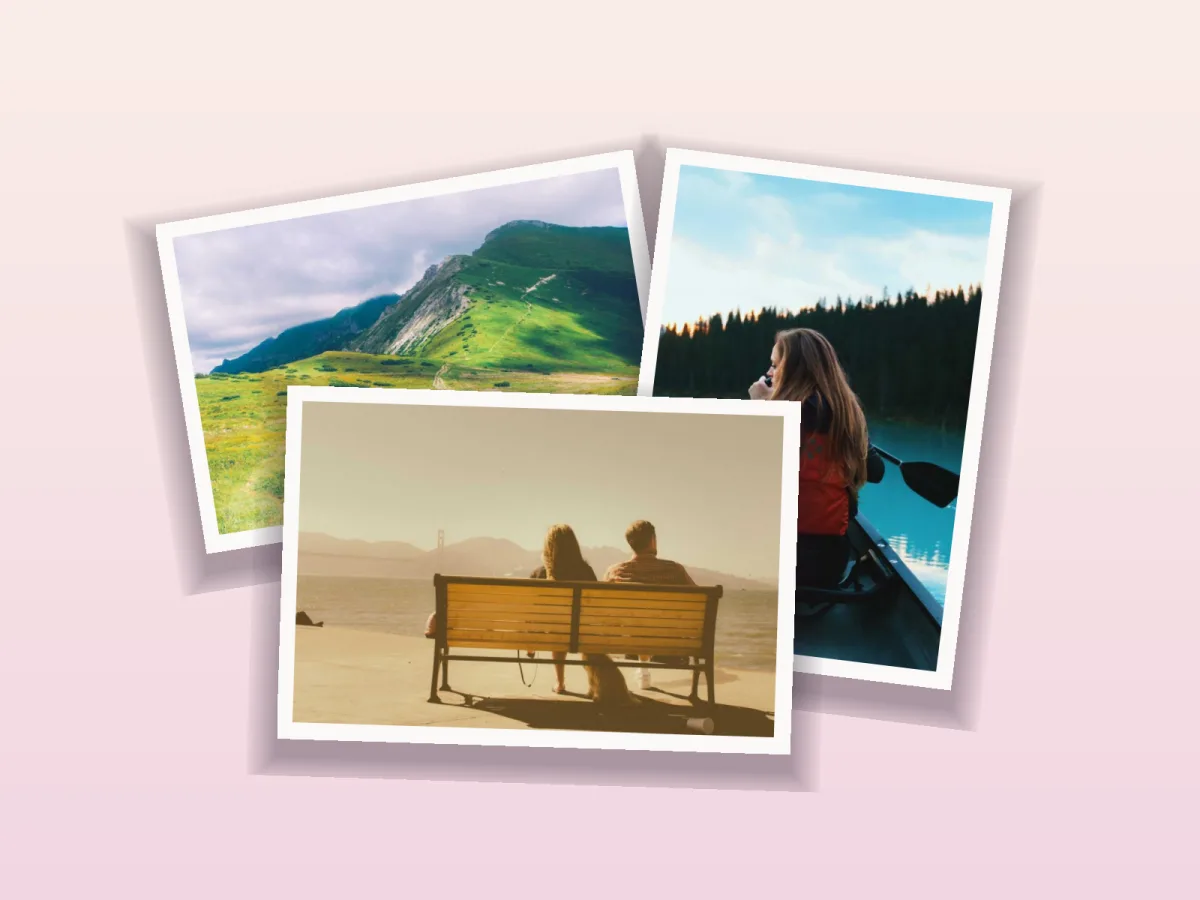
4×6, 5×7, 6×8 and A4 sizes identical to Taswir prints: nothing is cut off when printed.
Stylish text
8 fonts including an Arabic one, colours, shadow, outline, background: write on your photos and move the text with your finger.
Stickers & drawing
Emojis, brush and neon effect to personalise your memories.
Frames
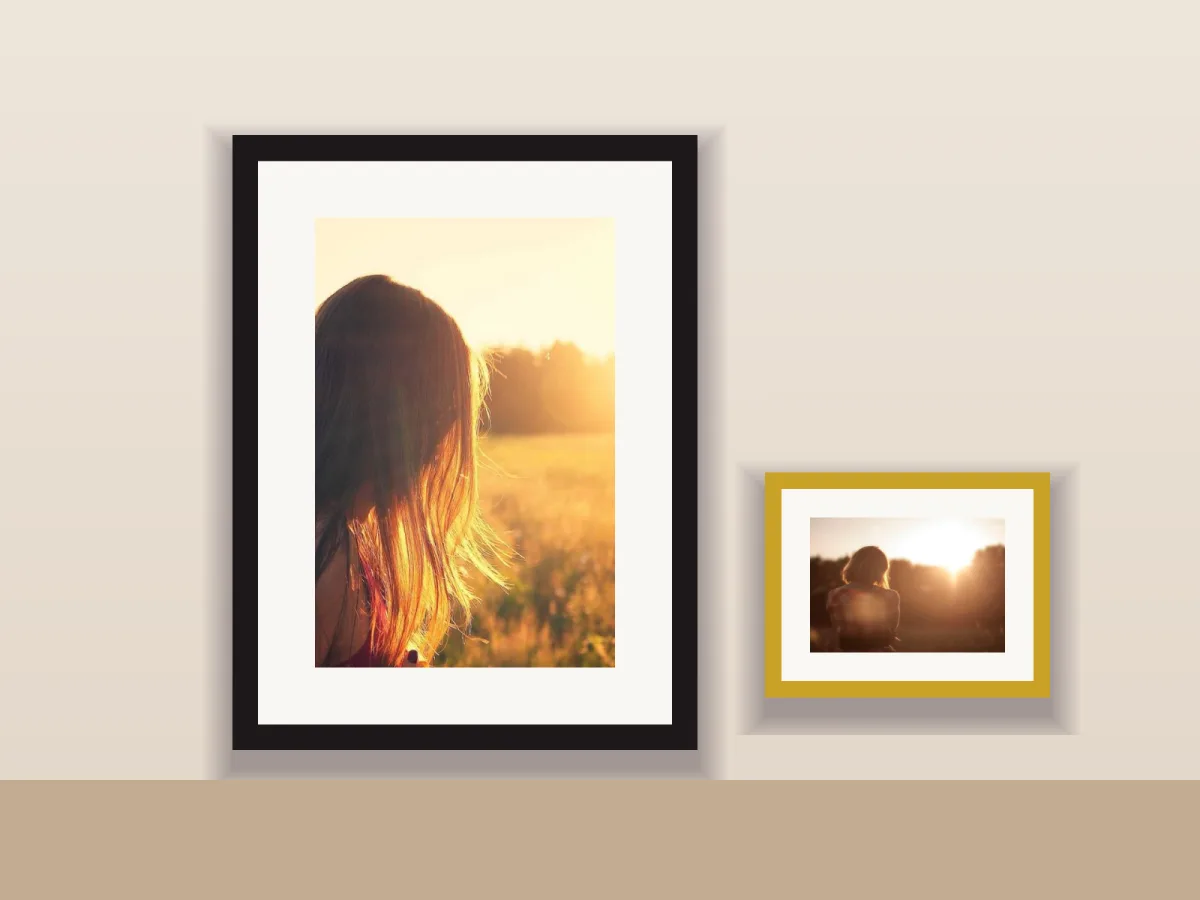
Polaroid with a handwritten caption, coloured borders, rounded corners.
Saved to your gallery
On iPhone and Android, the edited photo goes straight into your photos.
Printed in 24 h
One click and your edited photo goes to print, delivered free in Djibouti City.
How it works
Choose a photo
From your phone’s gallery or camera, or by drag and drop on a computer.
Edit
Filter, light, crop, text, stickers, frame: you see everything live.
Save or print
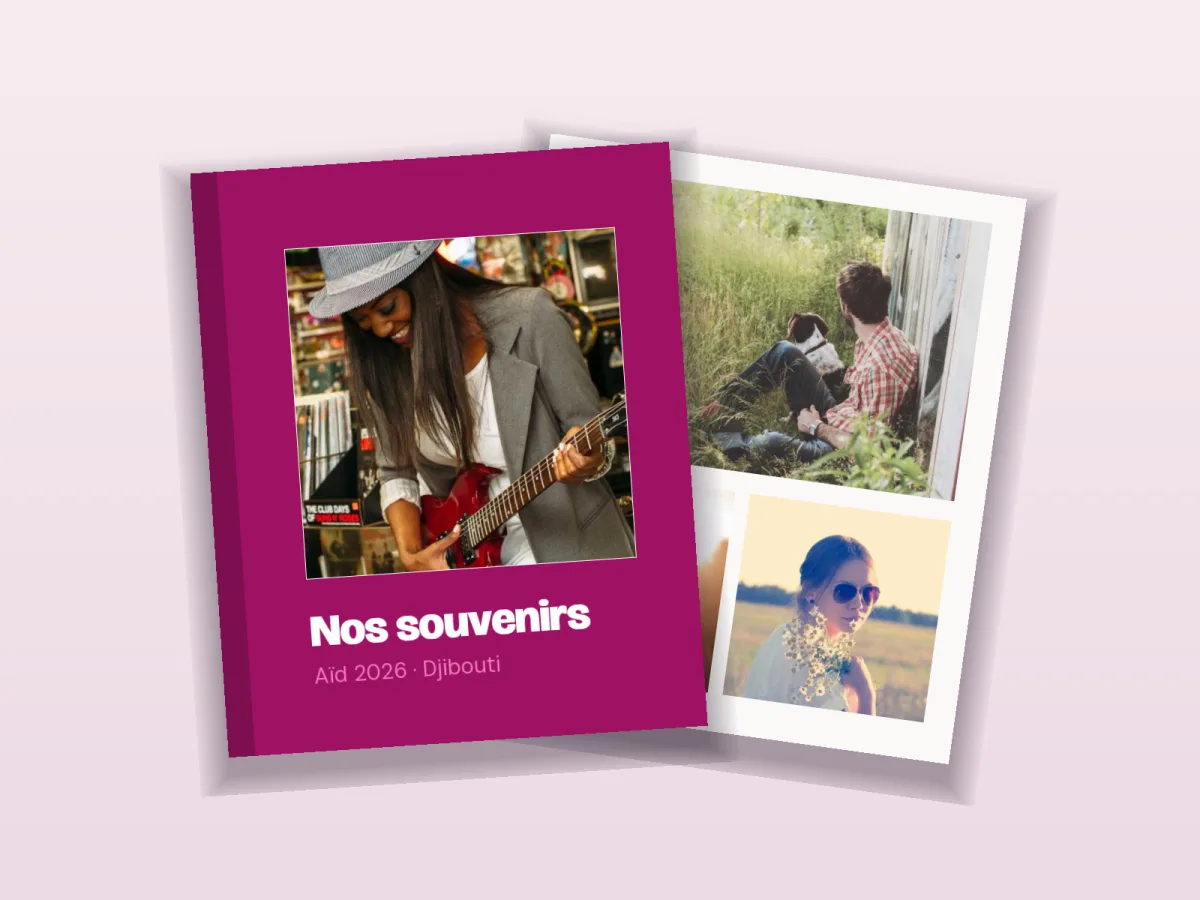
To your gallery in one tap, or as a print, frame or album delivered in 24 h.
Without an account
To try it right away
- All editing tools
- Save to the gallery
- Print ordering
- Small Taswir logo at the bottom of the photo
With a Taswir account (free)
The best of TaswirEditor
- All editing tools
- Photos saved without the logo
- Edit kept while you sign in
- Tracking of your print orders
From screen to paper in 24 h
Edit, then tap “Print”: your photo is added to the chosen product, without the logo. Free delivery in Djibouti City.
Frequently asked questions
Yes, completely. Nothing to install: the editor runs in your phone or computer browser.
No. Edits happen on your device. The photo is only sent to Taswir if you order a print.
Without an account, a small Taswir logo is added at the bottom of the saved photo. Create a free account or sign in: your photos are saved without the logo. Ordered prints never carry the logo.
Tap “Save”, then “Save to my phone”: on iPhone, choose “Save Image”; on Android, “Gallery” or “Save”.
JPG, PNG, WebP and HEIC (iPhone photos) depending on your browser. Very large photos are reduced to 4,096 px, plenty for an A4 print.
Yes: tap “Print” in the editor and choose a print, frame or album. The photo goes straight into your order, delivered in 24 h.
Ready to make your photos shine?
Free, fast and nothing to install. Your photo never leaves your phone.
Open TaswirEditor